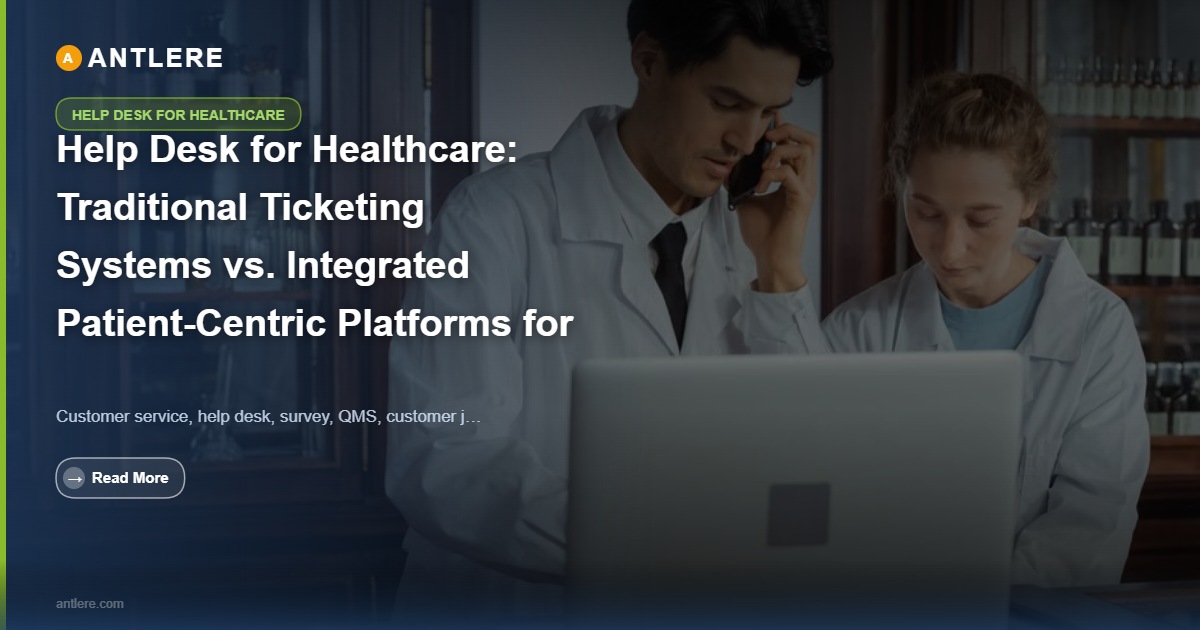
When a nurse cannot access an electronic health record at 2 a.m. during a critical patient assessment, the speed and accuracy of IT support is not a back-office concern. It is a clinical one. Healthcare organizations in the United States are managing increasingly complex IT environments: EHR integrations, telehealth infrastructure, medical device connectivity, and HIPAA-regulated data flows all feeding into a single support queue. The question IT managers and operations directors now face is whether a conventional ticketing system can handle that operational load, or whether an integrated, patient-centric help desk platform is the more defensible choice for long-term service delivery quality.
Why Traditional Ticketing Systems Fall Short in Clinical Environments
Conventional ticketing platforms were designed for general IT support: software requests, hardware replacements, password resets. They organize work by incident priority and route tickets through a standard escalation path. That architecture works adequately in a corporate IT environment. It breaks down in healthcare settings where the stakes attached to each ticket are not uniform and where regulatory context shapes every support interaction.
Consider an IT support team of 12 managing 500 weekly tickets across three priority tiers at a mid-size regional hospital. At peak shift-change hours, the ticket queue fills with EHR login failures, medical device connectivity alerts, and telehealth platform outages, all arriving simultaneously. A legacy system treats these as sequential incidents ranked by a generic severity score. An EHR login failure affecting a physician in the ICU may sit behind a billing software issue logged ten minutes earlier, simply because the ticketing logic has no awareness of clinical context. Mean time to resolution (MTTR) climbs. First contact resolution (FCR) rates drop. And each delayed response carries the kind of downstream risk that does not appear in a standard CSAT report.
Traditional systems also create data silos. Knowledge articles live in a separate wiki. Asset records sit in a disconnected configuration management database (CMDB). Agents must toggle between three interfaces to answer a single ticket, which slows resolution and increases the likelihood of procedural error during high-volume windows.
“In a healthcare environment, a ticket is never just a ticket. The incident priority assigned at intake determines whether a clinician gets the information needed to make a timely care decision.”
According to Healthcare IT Today (2024), service desk teams in healthcare settings have access to significant operational data that most organizations are not mining effectively to improve workflows and resolution speed. That untapped data represents a structural gap that conventional ticketing tools are not built to close.
What Integrated Patient-Centric Platforms Actually Do Differently

An integrated, patient-centric help desk platform is not simply a ticketing system with a healthcare skin applied. It is architected around clinical workflow logic, regulatory requirements, and the reality that IT downtime in a hospital carries a different weight than IT downtime in a software company.
AI-Driven Ticket Classification Aligned to Clinical Urgency
Modern platforms use natural language processing to auto-classify incoming tickets by priority, matching incident descriptions against clinical urgency frameworks rather than generic severity matrices. When a support request mentions “ICU” or “ventilator monitor,” the system flags it as high-priority automatically, before an agent reads the first line. AI also surfaces relevant knowledge articles before the agent types a response, cutting average handle time and improving FCR without adding headcount.
SLA breach risk is flagged proactively, in some implementations up to 15 minutes before a deadline, giving team leads time to reassign or escalate before a violation is recorded. That kind of real-time SLA management is not available in most legacy ticketing environments without custom development.
HIPAA-Aware Workflow Design
Integrated platforms enforce access controls at the workflow level, ensuring that ticket data containing protected health information is only visible to authorized agents. Audit trails are automatically maintained for every change request and incident record, which simplifies compliance reporting and reduces the manual overhead associated with HIPAA documentation cycles.
According to ScienceSoft, a HIPAA-aligned healthcare help desk requires 24/7 support capability and formal business associate agreement structures, standards that generic ticketing systems are rarely configured to meet out of the box.
Comparing the Two Approaches: A Structured View
The operational differences between traditional ticketing systems and integrated patient-centric platforms become clearest when examined side by side across the dimensions that matter most to healthcare IT teams.
| Capability Area | Traditional Ticketing System | Integrated Patient-Centric Platform |
|---|---|---|
| Ticket classification | Manual, generic severity levels | AI-driven, clinical urgency aligned |
| SLA management | Breach alerts after violation | Proactive breach risk flagging before deadline |
| Knowledge base integration | Separate tool, manual lookup | Inline AI-surfaced knowledge articles |
| HIPAA compliance support | Requires custom configuration | Built into workflow access controls |
| CMDB connectivity | Disconnected or manual sync | Native integration with asset records |
| Escalation path logic | Linear, role-based routing | Context-aware, clinical role routing |
| Remote IT support readiness | VPN-dependent, limited self-service | Cloud-native, zero-touch ticket deflection |
The table above reflects a consistent pattern: integrated platforms shift the support model from reactive queue management to proactive, context-driven resolution. That shift has measurable effects on MTTR, FCR, and agent workload distribution, all of which feed directly into CSAT outcomes for both clinical staff and end users.
How to Evaluate and Transition to a Patient-Centric Help Desk Model

Switching platforms is not a trivial undertaking for a healthcare IT organization. The evaluation process should be structured around operational criteria rather than feature checklists. The following steps give IT managers and support team leads a defensible path from assessment to deployment.
Step 1: Audit Current Ticket Queue Performance
Before any platform evaluation begins, teams should document current MTTR by incident type, FCR rates across shift patterns, SLA breach frequency, and escalation path failure points. That baseline makes it possible to measure the actual performance impact of any new platform during a pilot period.
Step 2: Define Clinical Priority Mapping Requirements
Work with department leads in nursing, pharmacy, and radiology to document which IT incidents carry clinical risk. Those inputs become the foundation for the new platform’s incident priority framework, replacing generic severity tiers with classifications that reflect actual operational stakes.
Step 3: Validate ITIL 4 Alignment
Healthcare IT environments that have adopted ITIL 4 practices should confirm that any candidate platform supports service value chain concepts, including change request governance and continual improvement workflows. ITIL 4 alignment is not just a certification question. It determines whether the platform will support structured problem management and proactive incident prevention over time.
Step 4: Pilot with a High-Volume Department
Run a 60-day pilot in the department generating the highest weekly ticket volume. Track MTTR, FCR, and SLA adherence daily. Use the platform’s reporting tools to identify knowledge article gaps and escalation path inefficiencies before full deployment.
According to HelpDesk.com centralizing and organizing support operations through purpose-built healthcare help desk software improves both operational effectiveness and the consistency of service delivery across departments.